Archive for June, 2006

Gnome Aqua Matrix

…or Gnome Matrix 3… this would be 2! It makes sense if you’re an art.gnome fan!

I don’t know what it is this month, but the wallpapers are flowing out of me!! :-)

It's like, Gnome meets Mac meets Neo!

It's like, Gnome meets Mac meets Neo!

EDIT: Now available on art.gnome :-)

Nice Banner !

I’ve never really been happy with the banner on my site, but to be honest I’ve never settled on anything good, so I’ve stuck to the plain blue thingy.

Over the last couple of day’s I’ve come across a couple of nice ones….

as you can see my tastes are very different; but I like both idea’s very much. I’ve always wanted to include my more successful GnomeArts in my website theme somewhere but never managed it… humm back to the drawing board thinks I ;-)

CoComment for Firefox

I’ve always advocated CoComment for my comment tracking needs, I recently decided to check their website only to find a new firefox extension – Brilliant ! Just what I’ve been waiting for !

links for 2006-06-19

links for 2006-06-15

links for 2006-06-14

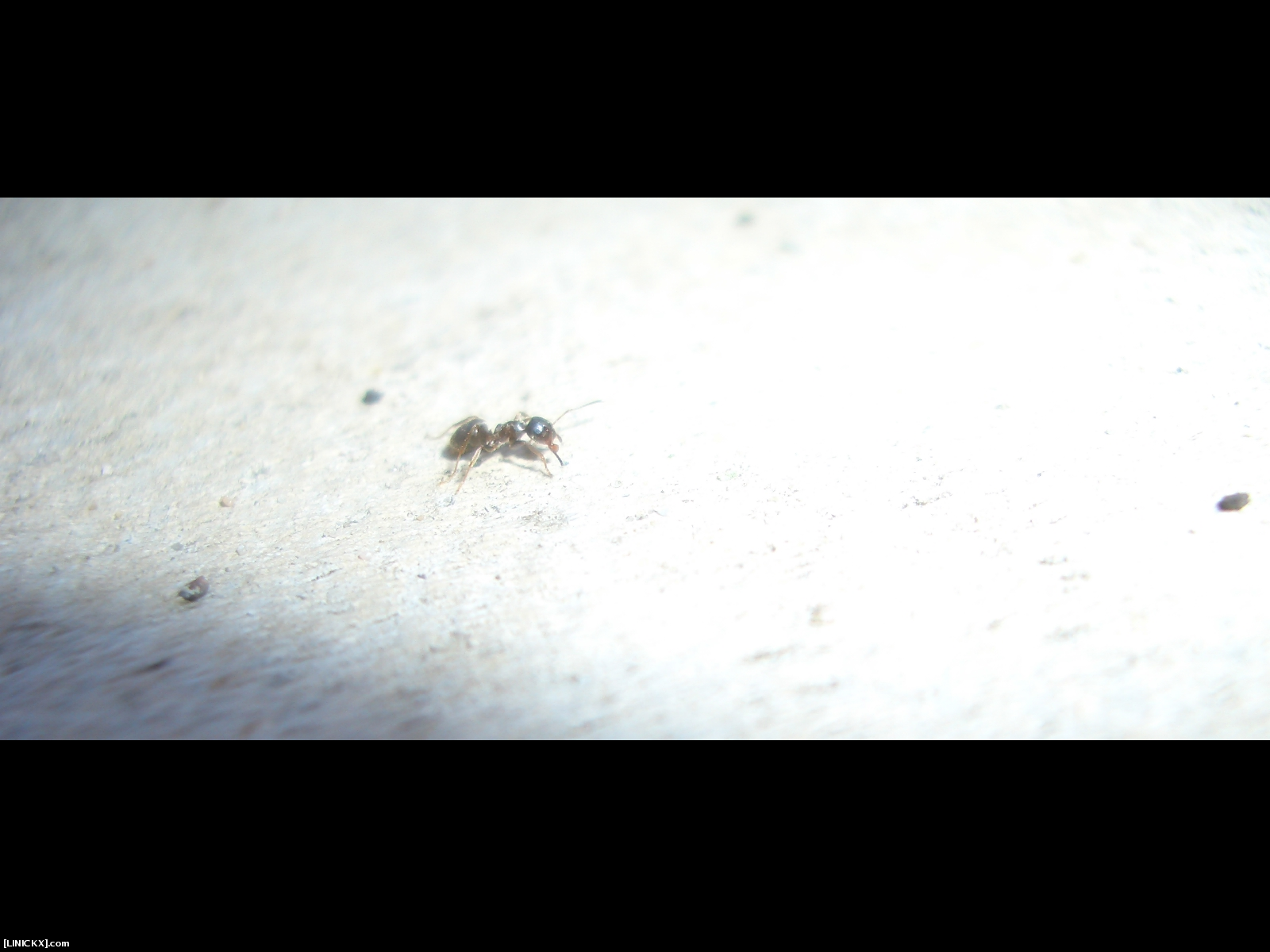
ANT ! (My Wife Takes all the best pictures !)

Check this out.. how cool !

EDIT: art.gnome link.

Google Browser Sync

Google Browser Sync
Google Browser Sync for Firefox is an extension that continuously synchronizes your browser settings – including bookmarks, history, persistent cookies, and saved passwords – across your computers.

I’ve been needing something like this for ages ! At the moment I have to use my USB key to transfer saved password etc from my work laptop to my home pc, but the issue of security is still a big one. I don’t save my on-line bank password anywhere so that’ll be alright, but I do save various e-mail account passwords, the issue being that a google employee could hi-jack one of my accounts, ok you have to enter a PIN to encrypt the passwords, but I can’t find anything that tells me how strong the encryption is! Humm I think a risk assessment is in order ;-)

links for 2006-06-06

IPv6 Day !

Many people are celebrating the “un-holy” nature of today’s date, personally I think www.ipv6day.org is more important ! ;-)

Crash Pin Stripes ! (EDIT!)

EDIT: Also avilable here on art.gnome.org

Look at this, dry for ages, and 2 posts in a day!

Actually this happened a couple of days ago, my laptop crashed, and this black & stripy screen is what I got, I thought it’d make a cool gnome art ;-)

Making good use of the time she crashed.

Making good use of the time she crashed.

Revision Notes:Cisco Wiressless Fundamentals

Below are some revision notes I have made, Cisco have recently changed the certification requirements for wireless examination, I am yet undecided if these notes shall be finished. Some of this material is old, it’s usefulness may vary !

I thought it’d be cool to share some of my revision notes :cool:

Chap 1: Introduction.
Wireless started out in the mid eighties (1986) for warehouses & retail business to ease stock control. It was from this technology that Enterprise and HomeUsers saw that they could be freed from the wires on their desks. Wireless data networks span a large area of technologies from infrared to satellite, fortunately cisco’s Fundamentals course only covers LANS (Local Area Networks), Cisco is also part of the body which standardises wireless communications - Wireless Fidelity (WI-FI), This is apparently important to remember because they provide a stamp of approval, which means different vendors will interact. Here a table about wireless tech’s which is shown on the presentation:

Wireless Technologies

  PAN
Personal Area Network
LAN
Local Area Network
MAN
Metropolitan Area Network
WAN
Wide Area Network
Standards Bluetooth 802.11a, 802.11b, 802.11g, HiperLAN2 802.11 MMDS, LMDS GSM, GPRS, CDMA, 2.5 – 3G
Range Short Medium Medium to Long Long
Application Peer2Peer or Device to Device Enterprise Networks Fixed, Last Mile Access Mobile Phones, PDAs.

Chap 2: Radio Freq Spread Spectrum.
This chapter talks about radio transmission, mainly frequency modulation type stuff, points I’ve picked up….
Radio Frequencies are licensed, i.e. Radio & TV stations need licences to broadcast; the powers that be put aside a portion of the frequency spectrum for unlicensed use. The part that Cisco use is the ISM (Inductrial, Scientific & Medical) Frequencies. In the spectrum of frequencies, from low to high, where audio is at the low end, and light, x-rays etc. are at the higher, these frequencies are available to use:

  • 902 – 928 MHz & 26MHz
  • 2.4 – 2.4835 GHz & 83.5MHz
    IEEE 802.11b & 802.11g
  • 5GHz
    HyperLan, HyperLan2 & 802.11a

IEEE 802.11 is the industry standard for wireless lans, and it comes in 3 flavours:

  802.11b 802.11a 802.11g
Freq Band 2.4GHz 5GHz 2.4GHz
Availability World USA & Asia + Percific Wold
Max Data Rate 11Mbs 54Mbs 54Mbs
Sources of Interference Cordless Phone, Microwaves , Wireless Video or Bluetooth HyperLan Devices Same as .11b

Notice, that 802.11a isn’t available worldwide, so Cisco don’t use it so much in their products, 802.11g is the way forward ;)
A Note about the Laws of Radio Dynamics:

  • The Higher the Data Rate, the Shorter the Range (Distance)
  • The Higher the Power Output, The Longer the Range, the lower the Battery Life (Obviously)
  • The Higher the Radio Frequency, The Higher the Data Rate, but the Shorter the Range

RF Technologies is DATA sent over the air waves, with a primary goal of sending as much as quickley as possible.It is a half duplex technology, using the same frequency to send and recieve – devices take in turns, and because they use the ISM frequencies no Licenses are needed.
Different Spread Spectrum RF Technologies are:

  • FHSS (Frequency Hopping Spread Spectrum)
  • DSSS (Direct Sequence Spread Spectrum)
  • OFDM (Orthogonal Frequency Division Modulation)

Noise or Interference is caused by other transmissions; The further away you move from a transmission source, the more the noise interfers. Other factors that affect the transmission is the complexity of the modulation; The more complex the modulation, the shorter the distance away from the transmitter the noise begins to interfere… The more noise there is on a signal, the slower the data rate.

Simple Signal Modulation

Simple Signal Modulation

Signal Modulation is produced by the input of data and a carrier signal, the picture show’s (roughly/badly) what happens. Aironet devices have 3 type of modulations, and what is used depends on the data rate:

  • BPSK (Binary Phase Shift Keyed) for 1Mbs
  • QPSK (Quardrature Phase Shift Keying) for 2Mbs
  • CCK (Complementary Code Keying) or 5.5Mbs & 11Mbs

Direct Sequence Modulation in DSSS:
The data is broken into chunks, which can be send simultaneously down different channels. The chunks are combined with a chipping code – this is the chipping sequence, this special code allows one of the chunks to do missing (due to interference) and it’s contents can be calculated from the other chunks – a little like RAID5 I guess.

The DSSS 2.4Ghz can be boken into 11Channels of 22Mhz, but these overlap – there is a set of 3 Channels which don’t overlap, so different devices can use the same frequency with different channels so they don’t interfere with each other.

Note: The more data you want to send, the more bandwidth you need i.e. the more of the frequency spectrum you will need to use. This combined with the LAWS of RF , i.e. the further away from a signal you are the less bandwidth you have available causes a problem with Data Comms.
Cisco implement Rate shifting, this is where as your signal drops then so does your connection speed. In the case of 802.11b DSSS the stages are 11Mbs -> 5.5Mbs -> 2 Mbs -> 1Mbs.

From the above two paragraphs you can work out the maxium available bandwidth for 802.11b, assuming you were close enough to the AP, you could have 3 devices on different channels running at 11Mbs which is a total bandwith of 33Mbs :)

802.11b uses OFDM as it’s RF Technology, the main thing about this is it converts the frequency into sub carriers (or sub channels) if you use different modulation on these channels you get different speeds:

  • BPSK = 6 & 9 Mbs
  • QPSK = 12 & 18 Mbs
  • 16QAM = 24 & 36 Mbs
  • 64QAM = 48 & 54 Mbs

The 5GHz Range can be broken into 52 of the avilable 64 sub carriers, and 48 of those are used to transmit data (12 are used as zero side guards & 4 are used for sync + tracking) The 5GHz are broken into UNII Bands, what’s important is UNII 1 & UNII 2 are for inside use and UNII 3 is for out-doors !
Rate shifing in 802.11a is the same as in .11b other than there are more layers of bandwidth degredation.
802.11a has 8 channels avilable in it’s UNII bands. It also has different scaleability , 8 x 54 is 432Mbs of bandwidth but 802.11a doesn’t have as far range as 802.11b on the 2.5GHz frequency.