
[caption id="attachment_1602" align="alignright" width="150"
caption="Black Outlook Today"]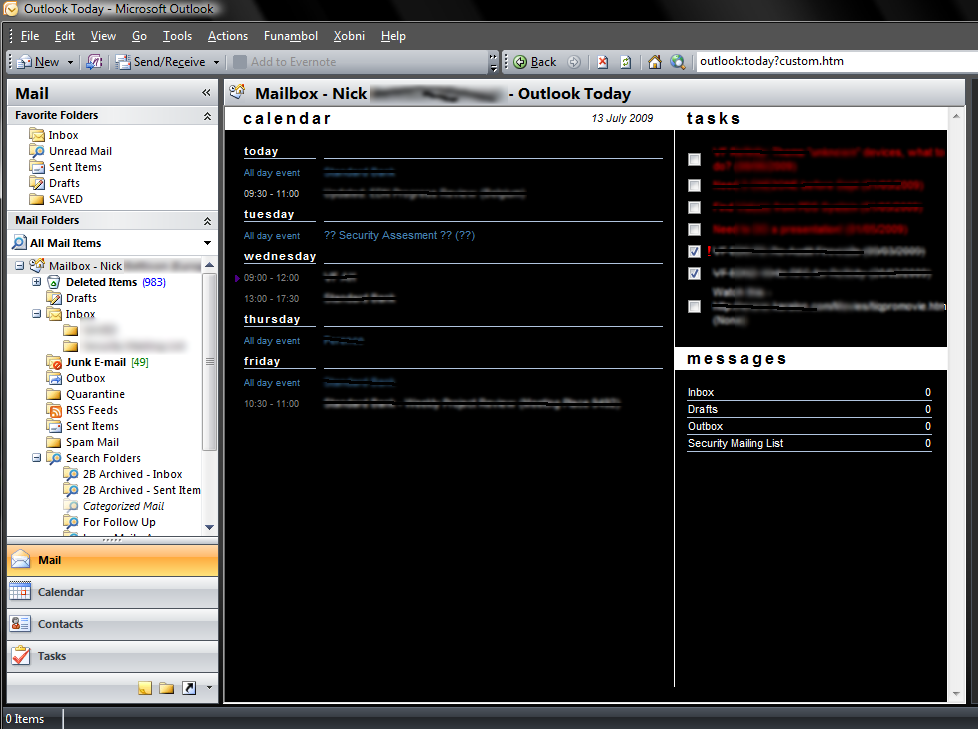 [/caption]
I'm not sure how helpful the screenshot is as I've had to blur out most of the writing but hopefully you'll get the "gist".... Yep it's a screen shot of a black (dark themed) outlook today.
There's a couple of good references....
If you want to create your own. Mine is basically the winter theme all blacked out, if you like it I've attached it; to use, unpack somewhere then go to Outlook and do the following:
- Right-click on your main Mailbox in the Navigation Bar.
- Select Properties.
- Select the Home Page tab in the resulting window.
- Make sure the Show home page by default for this folder checkbox is checked.
- Click the Browse button and browse to the location of the newly created HTML document.
- Click OK.
- Go back to the Navigation Bar and click on the main Mailbox so that it displays Outlook Today.
Enjoy!